How to View Payment Breakdown

Keeping track of your current month's charges helps you understand your team's usage and manage your budget effectively. Account owners can review a detailed breakdown of active billing metrics at any time. Steps to View Your Monthly Payment Breakdown 
  • Click your Avatar / User Menu icon in the upper-right corner of your web dashboard and select Settings
  • From the left sidebar panel, click Billing.
  • Click View Breakdown to inspect the detailed itemization of your bill for the current month. 
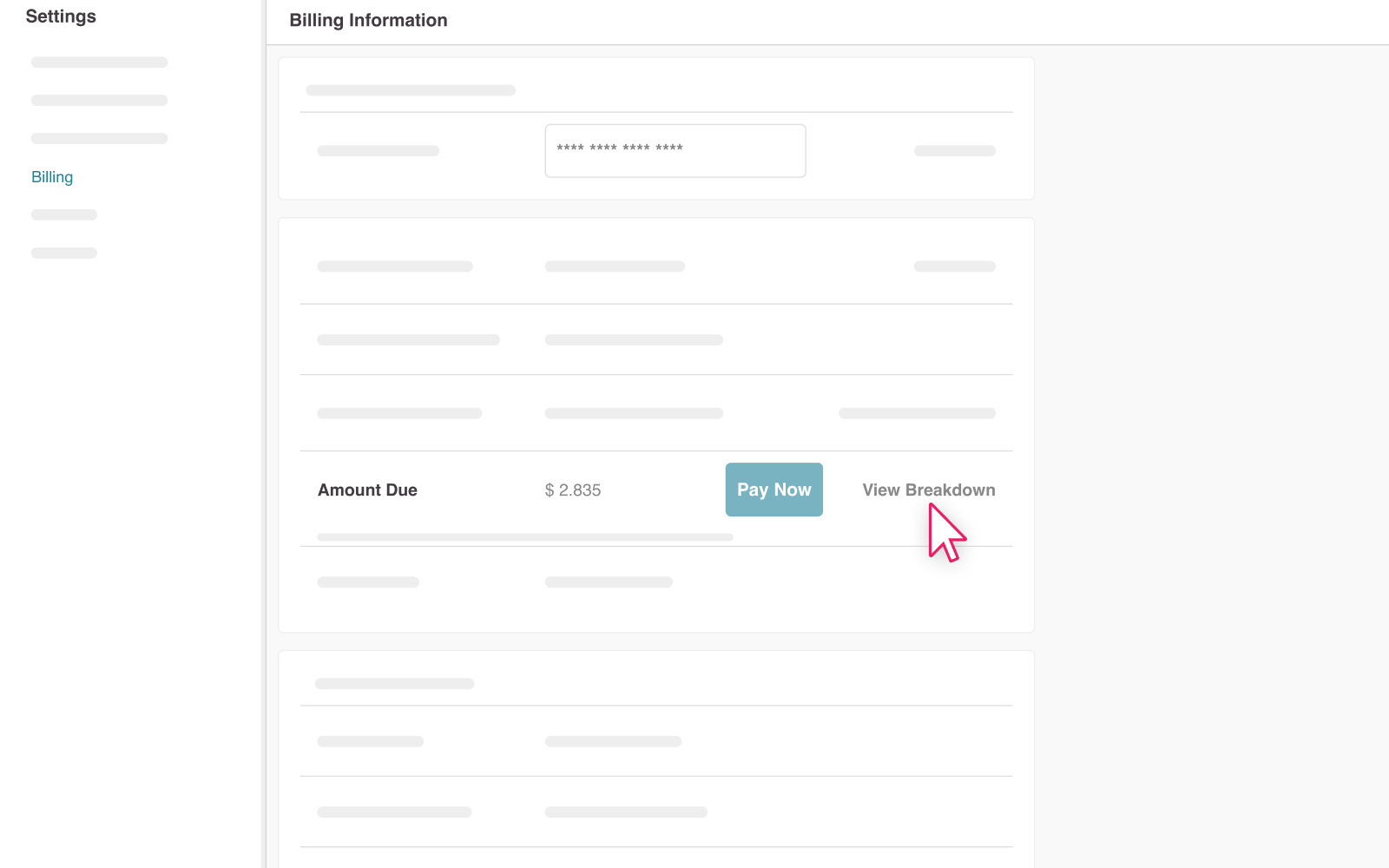
6a6aabd661a63view breakdown.png Looking for past invoices? To view billing records and payments for previous months, click View Transaction History on the same Billing screen. 
Copyright © 2025 Cloudica LLC